
We value your privacy
We use cookies to authenticate you, reach you through our live chat, and to receive visitor analytics.
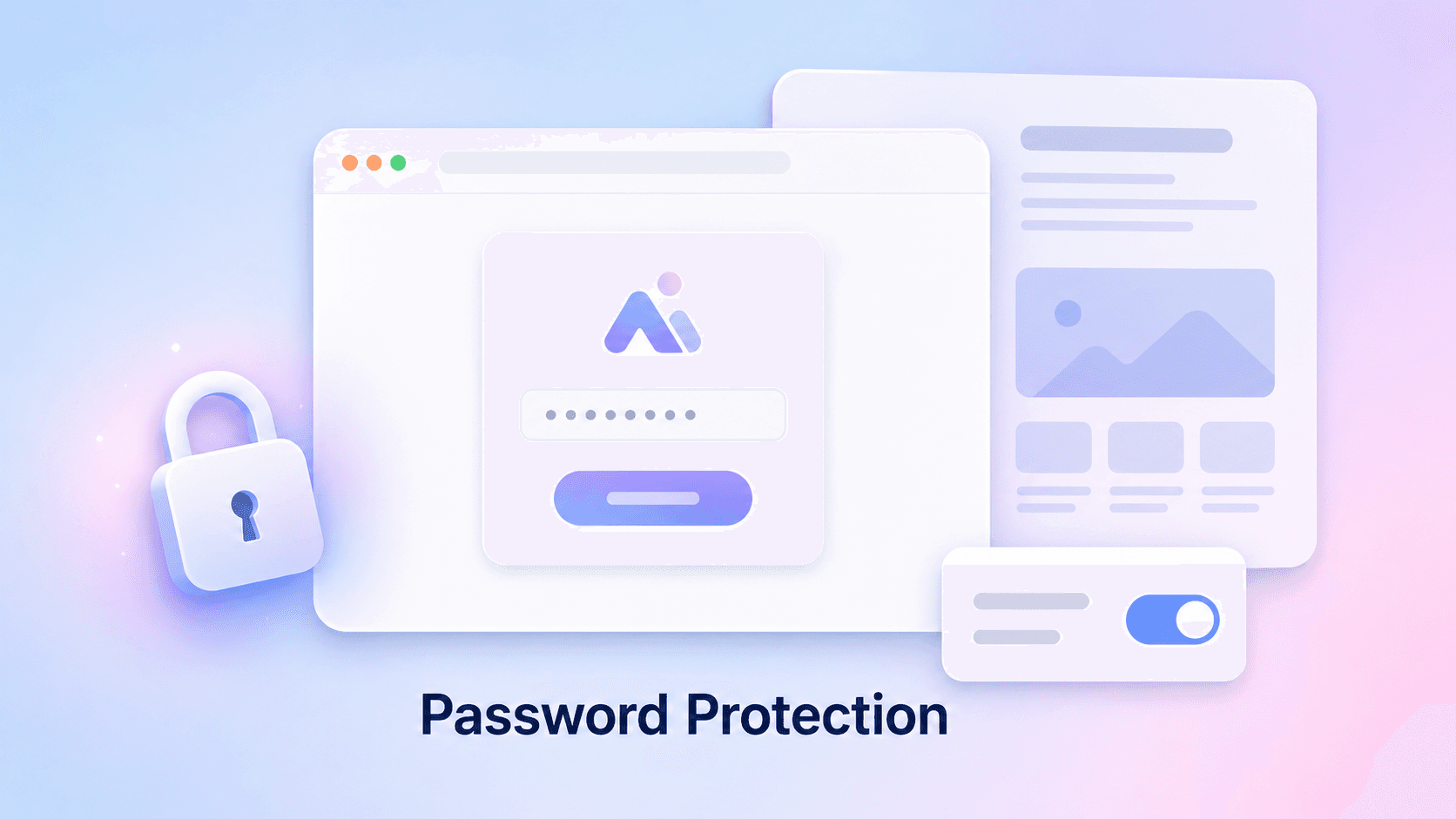
Building a new website for your academy usually means one of two things: publishing before it feels ready, or keeping it offline and losing the chance to show it to the people who matter most. Now there is a third option. You can put your whole website behind a password, share that password with early members, and open it to everyone when you are ready.
In the website editor, open the new Password protection section in the settings sidebar and set a password. From that moment, anyone visiting your website sees a simple gate page with your logo and brand colors instead of the site itself. Enter the password once and the site stays unlocked on that device for 30 days.
You can change the password at any time, which locks everyone out again, or turn protection off with one click to go fully public.
Before this, a website was either live for the world or not live at all. If you wanted feedback from a beta group, you had to send them screenshots or invite them to a site that search engines could already find.
With password protection, you can:
While protection is on, search engines are asked not to index the site, so nothing leaks into search results before launch day.
Password protection covers your website only. Your academy, where students sign up, enroll, and learn, keeps working exactly as before. That is on purpose: the people you share the password with should be able to click through and join without hitting a second wall. If you want the academy itself to be invite-only during a beta, close signups in your academy settings and invite students by email.
This is a new feature and we are keen to hear how you use it. If there is something you wish the gate page did, or a launch workflow it does not quite fit, let us know through the feedback button in your dashboard.
Password protection is available now in the website editor for every academy. Open your website settings, scroll to Password protection, and set your first password.